| Year | Event |
|---|---|
| 1978 | In June 1978, Apple introduced Apple DOS 3.1, the first operating system for the Apple computers. |
| 1984 | Apple introduced System 1 in 1984. |
| 1985 | Apple introduced System 2 in 1985. |
| 1986 | Apple introduced System 3 in 1986. |
| 1987 | Apple introduced System 4 in 1987. |
| 1988 | Apple introduced System 6 in 1988. |
| 1991 | Apple introduced System 7 operating system on May 13, 1991. |
| 1995 | Apple allows other computer companies to clone its computer by announcing its licensed the Macintosh operating system rights to Radius on January 4. |
| 1997 | Apple introduced macOS 8 in 1997. |
| 1997 | Apple buys NeXT Software Inc. for $400 million and acquires Steve Jobs, Apple co-founder, as a consultant. |
| 1999 | Apple introduced macOS 9 in 1999. |
| 1999 | Apple released macOS X Server 1.0 on March 16, 1999. |
| 2001 | Apple introduced macOS X 10.0, code-named Cheetah, and became available on March 24, 2001. |
| 2001 | Apple introduced macOS X 10.1, code-named Puma, and became available on September 25, 2001. |
| 2002 | Apple introduced macOS X 10.2, code-named Jaguar, and became available on August 23, 2002. |
| 2003 | Apple introduced macOS X 10.3, code-named Panther, on October 25, 2003. |
| 2004 | Apple introduced macOS X 10.4, code-named Tiger, at the WWDC on June 28, 2004. |
| 2007 | Apple introduced macOS X 10.5, code-named Leopard, on October 26, 2007. |
| 2008 | Apple introduced MobileMe at the WWDC on June 9, 2008. |
| 2009 | Apple introduced macOS X 10.6, code-named Snow Leopard, at the WWDC on June 8, 2009. |
| 2010 | Apple introduced macOS X 10.7, code-named Lion, at the 'Back to the Mac' event on October 20, 2010. The operating system was later released on July 20, 2011. New features included AirDrop, Gatekeeper, and many more. |
| 2012 | Apple released macOS X 10.8, code-named Mountain Lion, on July 25, 2012. |
| 2013 | Apple introduced macOS X 10.9, code-named Mavericks, at the WWDC on June 10, 2013. |
| 2014 | Apple introduced macOS X 10.10, code-named Yosemite, at the WWDC on June 2, 2014. |
| 2014 | Apple introduced Force Touch, a haptic feedback system for macOS. Simultaneously, they launch a similar feedback system for iOS called 3D Touch. |
| 2015 | Apple introduced macOS X 10.11, code-named El Capitan, at the WWDC on June 8, 2015. |
| 2016 | Apple introduced macOS X 10.12, code-named Sierra, at the WWDC on June 13, 2016. |
| 2017 | Apple introduced macOS X 10.13, code-named High Sierra, at the WWDC on June 5, 2017. |
| 2018 | Apple introduced macOS X 10.14, code-named Mojave, at the WWDC on June 4, 2018. |
| 2018 | Apple introduced Dark Mode in macOS X 10.14 (Mojave), a feature that turns the background to black and text to white. Dark Mode is easier on users' eyes at night, reducing eye strain. |
| 2019 | Apple introduced macOS X 10.15, code-named Catalina, at the WWDC on June 3, 2019. |
Mac Software List In Order 2017
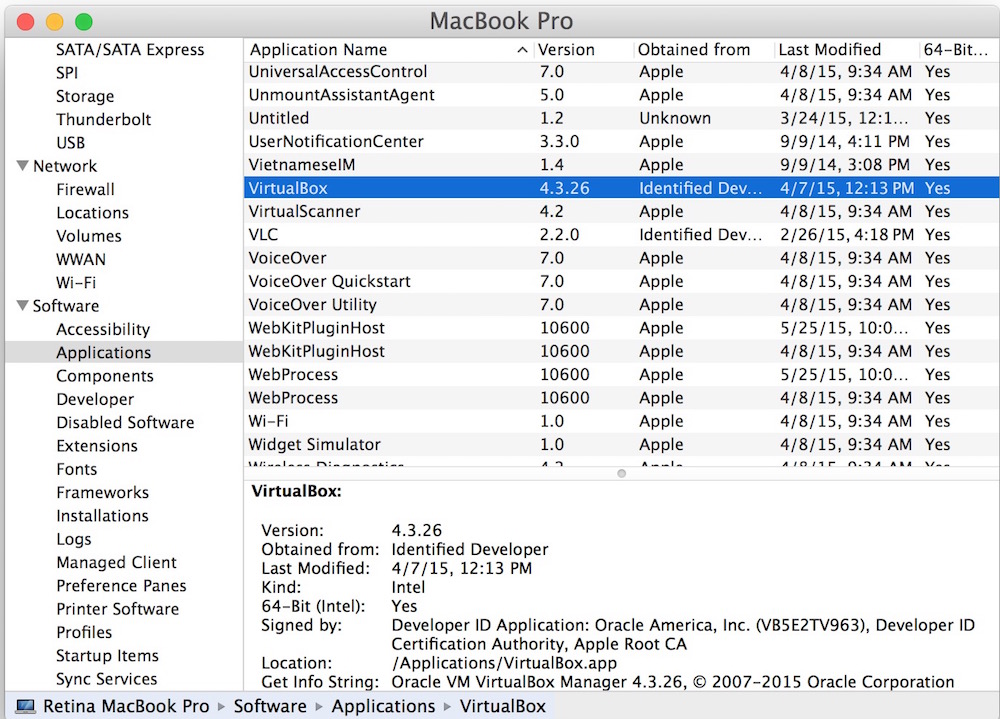
Mac Software List
If you need to purchase Mac OS X 10.6 Snow Leopard, you may order it from this page. The current version of the Mac operating system is macOS High Sierra. Note: Some OS X Snow Leopard features require an Apple ID; terms apply. Some features require a compatible Internet service provider; fees may apply. Apple introduced macOS X 10.7, code-named Lion, at the 'Back to the Mac' event on October 20, 2010. The operating system was later released on July 20, 2011. New features included AirDrop, Gatekeeper, and many more.
Mac Software List In Order Free
Advanced software features let you switch seamlessly between Mac and Windows applications and copy or paste files between the systems. A toolbox of over 30 applications eases day-to-day tasks, such as drive cleaning and securing files, with Parallels Desktop 15. Shop apple.com with the services you love: personal shopping help, trade in, flexible payment options, expert support, and free no-contact delivery. Online shopping for Mac Operating Systems from a great selection at Software Store. Only 3 left in stock - order soon. More Buying Choices. $11.98 (5 open box & new offers) 3.1 out of 5 stars 54. May 26, 2020 If your Mac is using an earlier version of any Mac operating system, you should install the latest Apple software updates, which can include important security updates and updates for the apps installed by macOS, such as Safari, Books, Messages, Mail, Music, Calendar, and Photos.